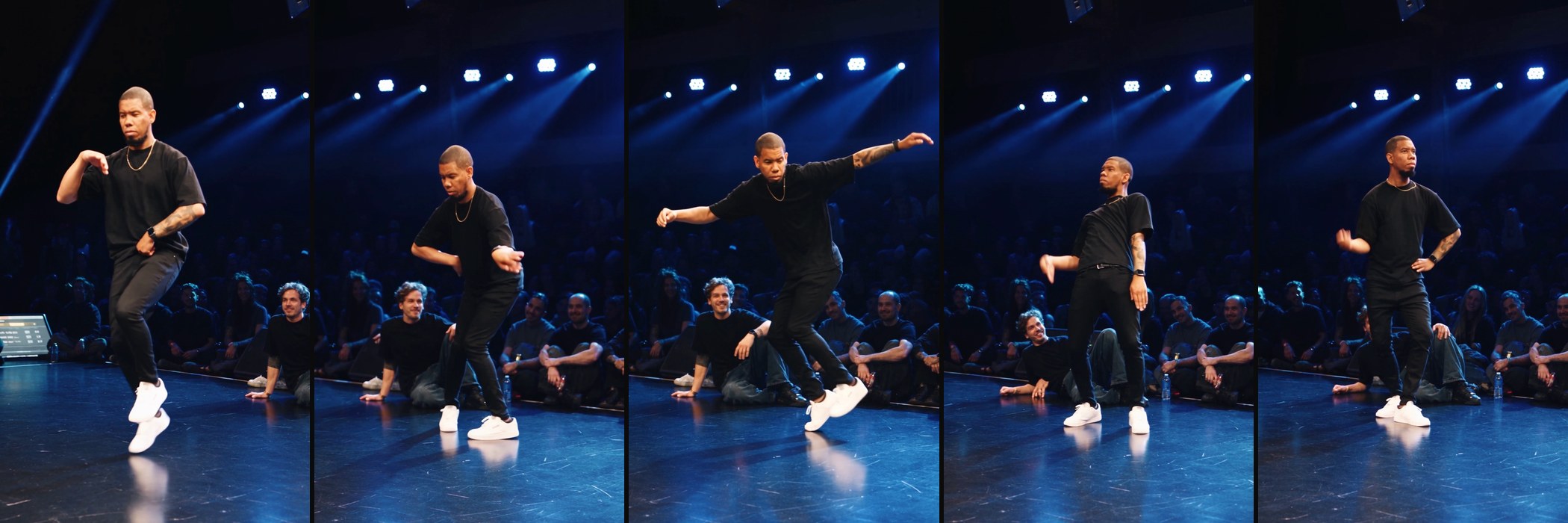
Lineup Battle Challenge
Thanks for watching! Here's exactly how I put my own AI avatar into the viral Lineup Battle dance: a character sheet made from my photos + Higgsfield Genjutsu, step by step. Original video by @lineup_battle, dance by @doyahtreize 🙌
- Tool
- Genjutsu · Higgsfield
- Format
- 9:16
- Keyword
- PROMPT
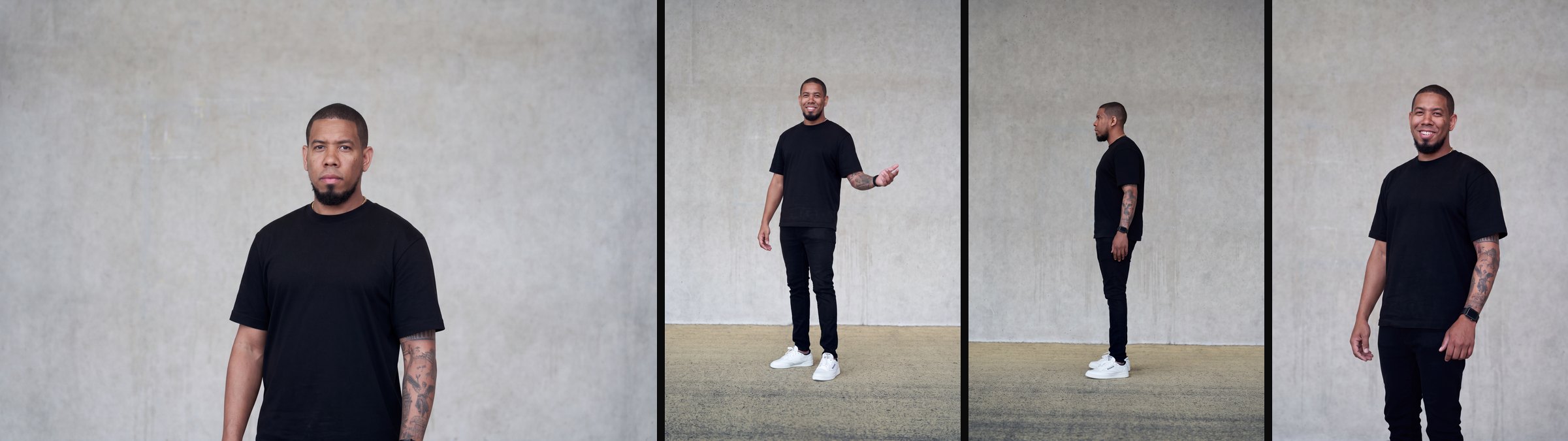
Shoot 4 clean reference photos
Stand in front of a plain wall with soft, even light. Wear the same outfit in every photo and keep your hands empty.
You need four photos: your face from the front with a neutral expression, your full body from the front, your full body from the side, and a half-body shot where your tattoos or details are easy to see.
Holding a camera or phone in your best photo? Open Image → Nano Banana Pro, upload it and paste: "Remove the camera from his hands. Keep everything else exactly the same: face, smile, skin, hair, tattoos, outfit, lighting, background and framing. Place his hands in a natural relaxed position with realistic fingers. Photorealistic, same grain and color, no retouching, no face changes."
Build your character sheet
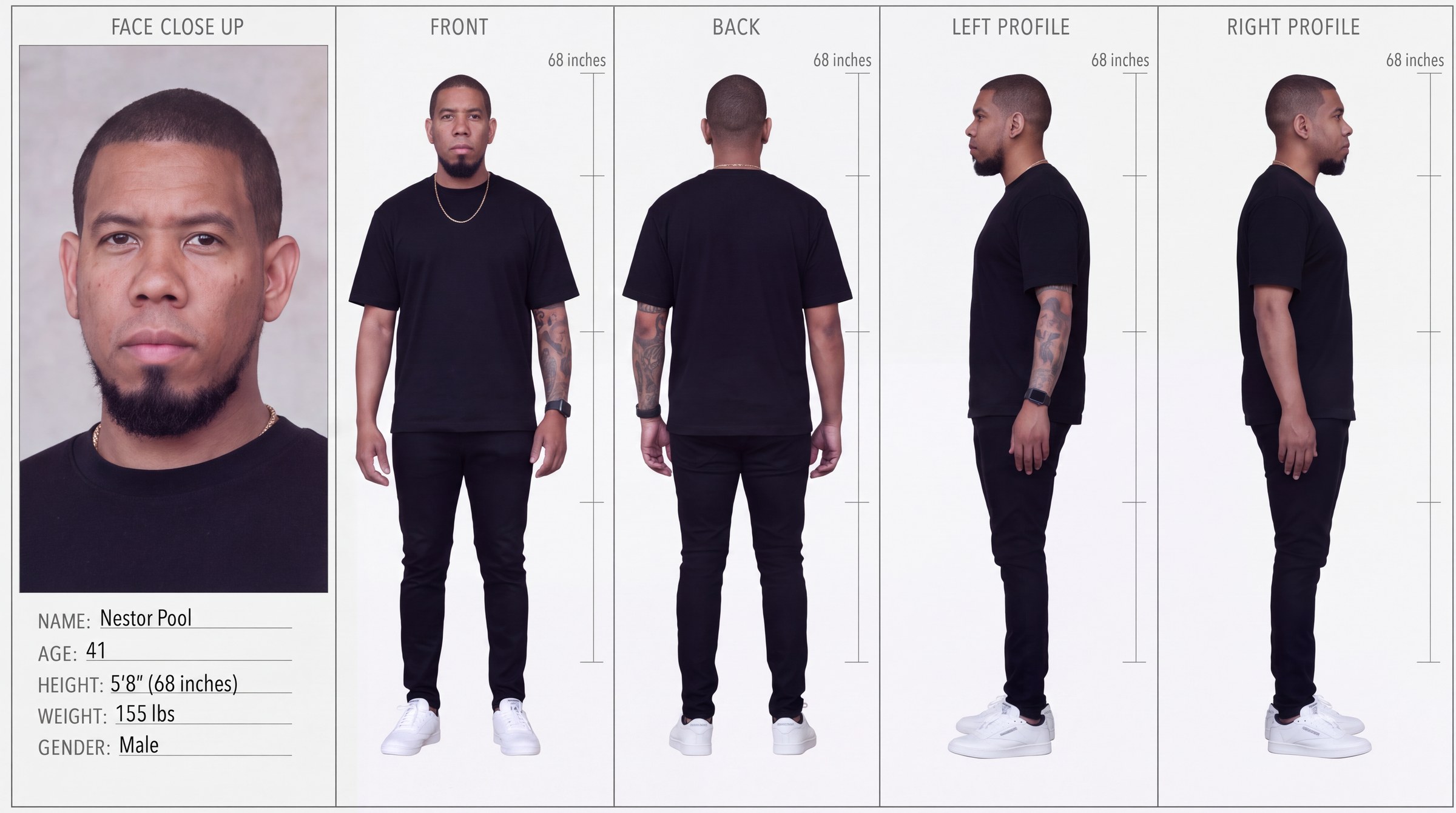
In Higgsfield, open Image → Nano Banana Pro and set it to 16:9 and 4K. Upload your photos in this order: full body front, half-body detail, face front, full body side. Then add the empty 5-view template: download the template.
Paste the prompt below and fill in the info block. Then delete each @Image tag, type @ and pick the matching photo so it turns into a tag.
Check the sheet before you use it: the two profiles must face opposite directions with the whole body pointing the same way, and your tattoos must be on the correct arm in every view. To fix a detail, use the sheet as the reference in Nano Banana Pro at 16:9. Don't use Inpaint, it squashes the sheet into a square.
Character sheet prompt:
@Image1: full body front (outfit and proportions). @Image2: half-body detail (smile, tattoos, accessories). @Image3: face identity (front, neutral). @Image4: full body side profile. @Image5: character sheet template (the layout).
Make a character sheet exactly in the style and layout of @Image5, using the person from @Image1, @Image2, @Image3 and @Image4 as the character. Same person in every panel, strong identity consistency. Panels, left to right, with these exact labels: FACE CLOSE UP | FRONT | BACK | LEFT PROFILE | RIGHT PROFILE.
Face close-up: front view, neutral expression exactly like @Image3, clear facial details, same hair, skin tone and facial marks. Outfit (same in every panel): exactly the same outfit and accessories as in @Image1. Tattoos: copy any tattoos exactly from the photos, on the same arm and side of the body. Do not mirror them.
Profiles (true 90-degree side views, whole body in one straight line, no twisting): LEFT PROFILE faces the LEFT side of the image, with head, nose, chest, knees and toes all pointing left. RIGHT PROFILE faces the RIGHT side of the image, with head, nose, chest, knees and toes all pointing right.
Pose: neutral standing pose, arms relaxed at the sides, legs straight, no dynamic pose. Template fidelity (@Image5): same panel layout, ruler placement, typography, info block style and clean technical presentation. Lighting: soft even studio lighting, neutral light grey background, no props, no environment.
Info block: NAME: [your name] · AGE: [your age] · HEIGHT: [e.g. 5'8" (68 inches)] · WEIGHT: [your weight, or leave blank] · GENDER: [your gender]. Rulers: replace every X" (inches) placeholder with the same height used in HEIGHT, and scale each full-body figure so the top of the head meets the top of the ruler.
Priority: 1) exact identity from @Image1 to @Image4 2) exact tattoos on the correct side 3) correct profile directions 4) exact template from @Image5.
Get the reference dance
Download the dance clip you want to recreate: 4 to 30 seconds, vertical, one dancer, full body in frame and a steady camera.
I used the viral Lineup Battle clip posted by @lineup_battle, danced by @doyahtreize. Always credit the original creators when you post.
Run Genjutsu
In Higgsfield, open Video → Genjutsu → Motion transfer.
Add the dance clip as the reference video. Under characters, add your character sheet, plus your front face photo for extra likeness. Turn on Prompt and paste the prompt below.
Test at 720p first. If you have free gens, turn them on so the test costs you nothing.
Paste the prompt
Replace the person in the reference video with the person from the character sheet. Keep the exact motion, camera movement, timing, framing and background of the reference video.

Exact same face, hair and skin tone as the character sheet. Same outfit, tattoos and accessories as in the sheet, on the same side of the body.

Photorealistic, natural skin texture. No text, no labels, no rulers from the character sheet.
Finishing touches
Add the original song inside the app so your video rides the trend. Don't bake the music into the file.
Credit the original video and the dancer in your caption, and turn on Instagram's AI label.
Tag me @nestorpool when you post yours, I want to see your battle 👀