Magical World Portal
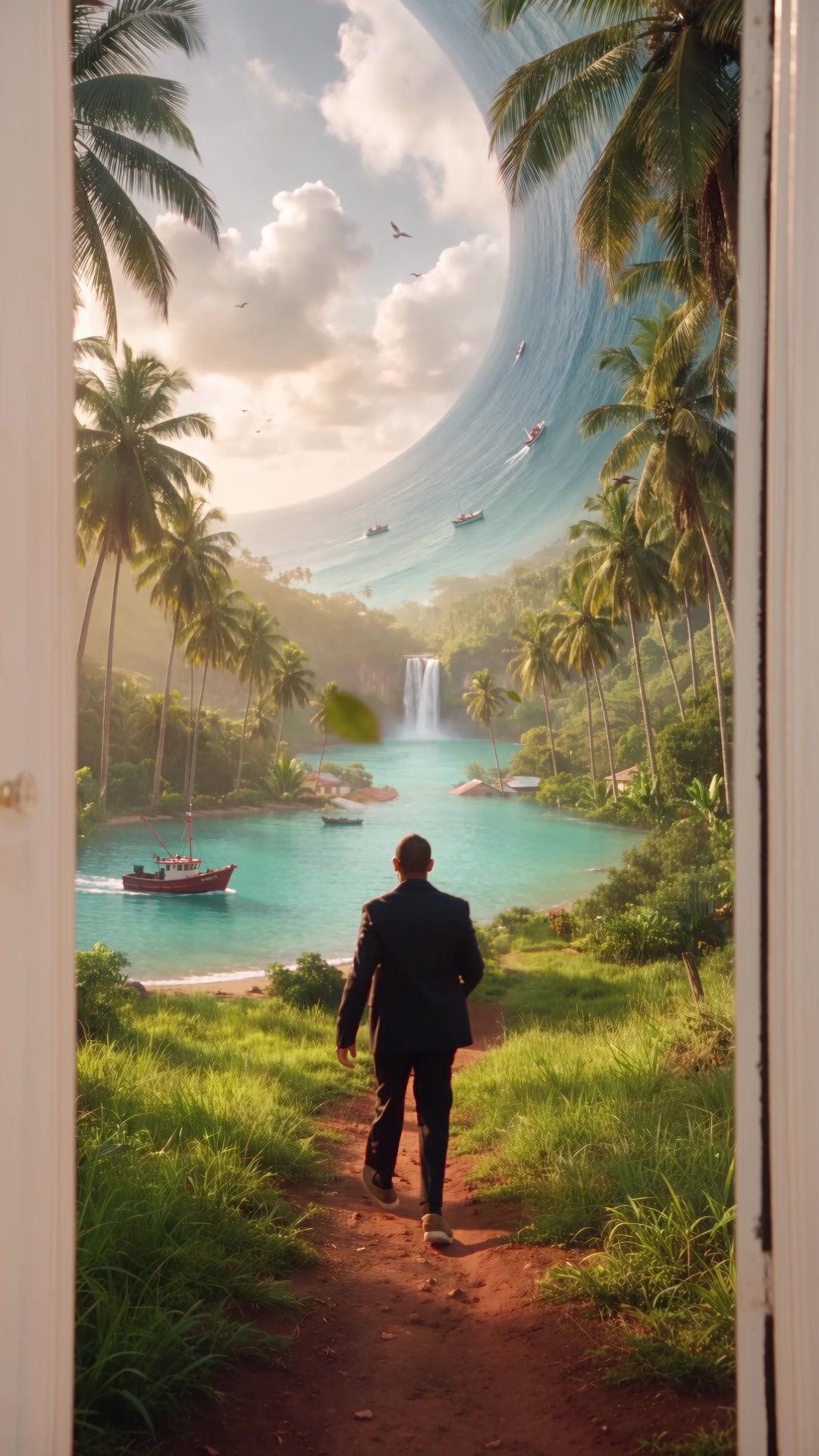
Thanks for watching! Here's exactly how I opened a door at home and walked into a magical Caribbean world: real footage + Seedance 2.5 Edit on Higgsfield, step by step. Inspired by @kaye.creatives ✨
- Tool
- Seedance 2.5 Edit · Higgsfield
- Format
- 9:16 · 12s
- Keyword
- PORTAL
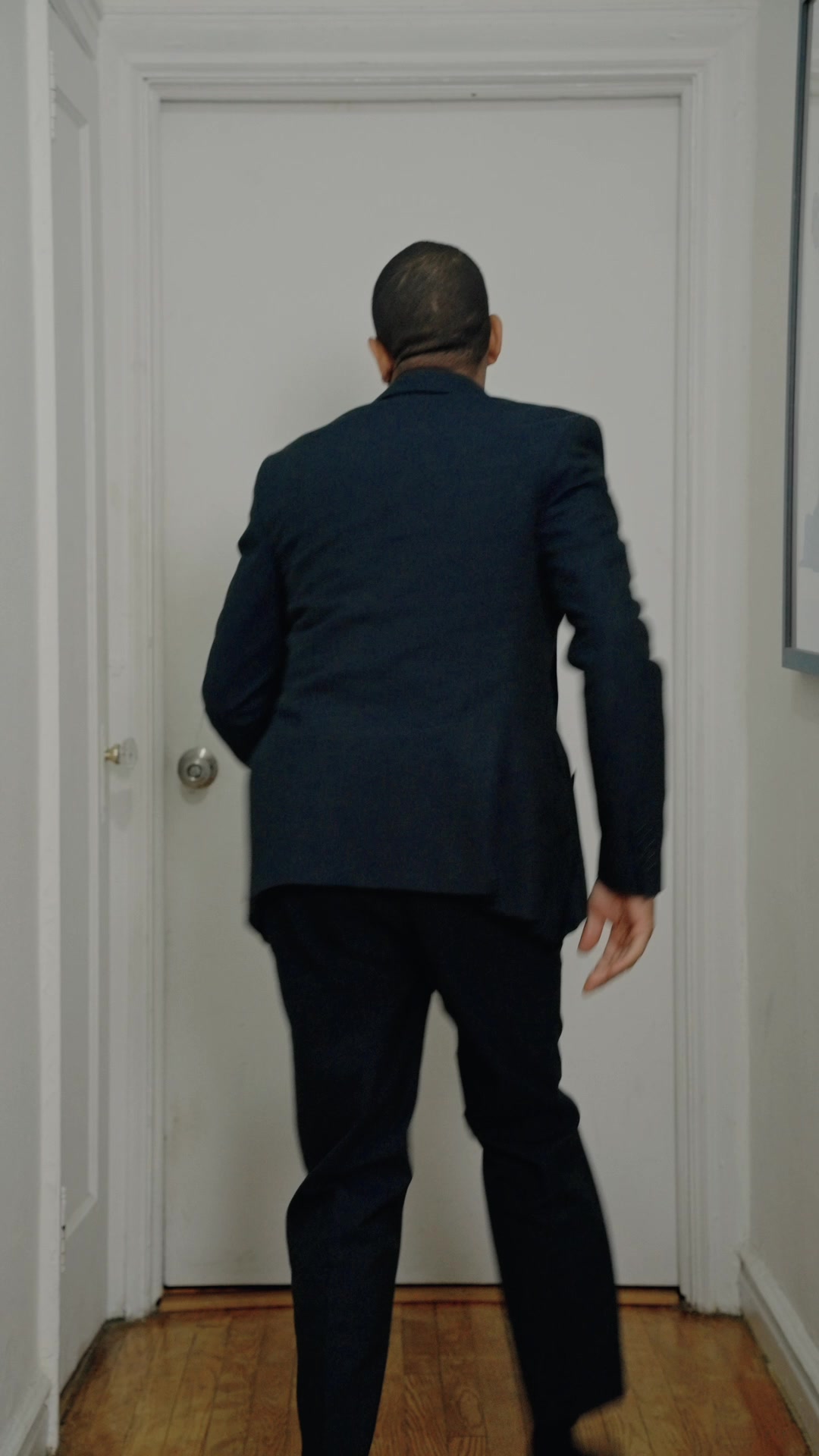
Record yourself opening a door
Put your phone or camera on a tripod and don't move it. The AI creates the push-in for you.
Pick a real door with a clear frame that contrasts with the wall, and that opens away from the camera. Frame the whole door with some room around it. Vertical 9:16, 24 or 30 fps, exposure and focus locked.
Action (12–15 s): walk up to the door (wave at the camera first if you want a hook), open it, stand in the doorway for a second and look, optionally look back at the camera and smile, then step through and keep walking until the end of the shot. Wear something that contrasts with your walls.
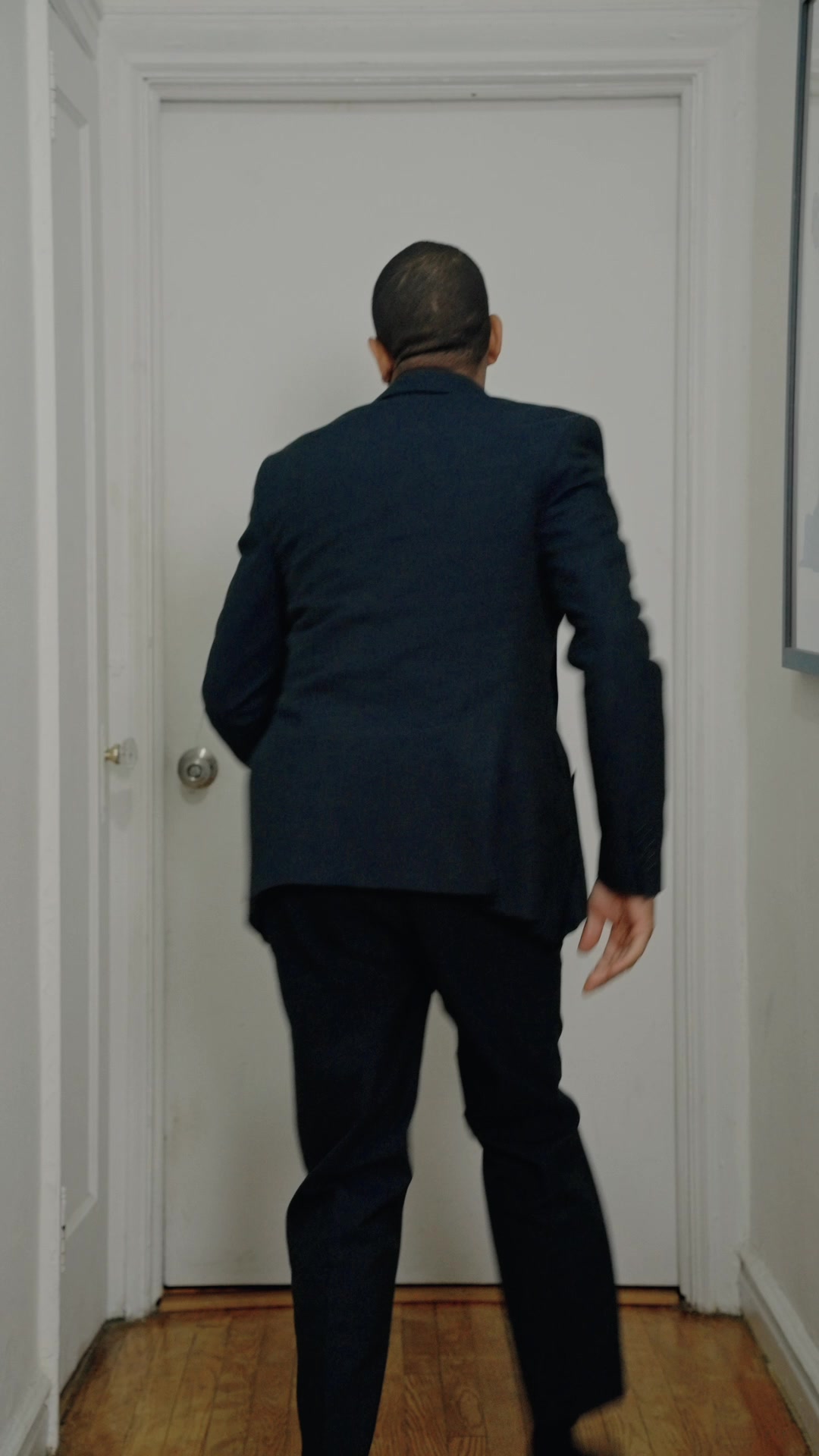
Export a reference copy
Export a copy of your clip at 720p (720×1280), 24 fps, under 15 seconds. That's the version you upload to the AI.
Keep your full-quality original. You'll use it in the final edit for everything before the door opens.
Create your world image
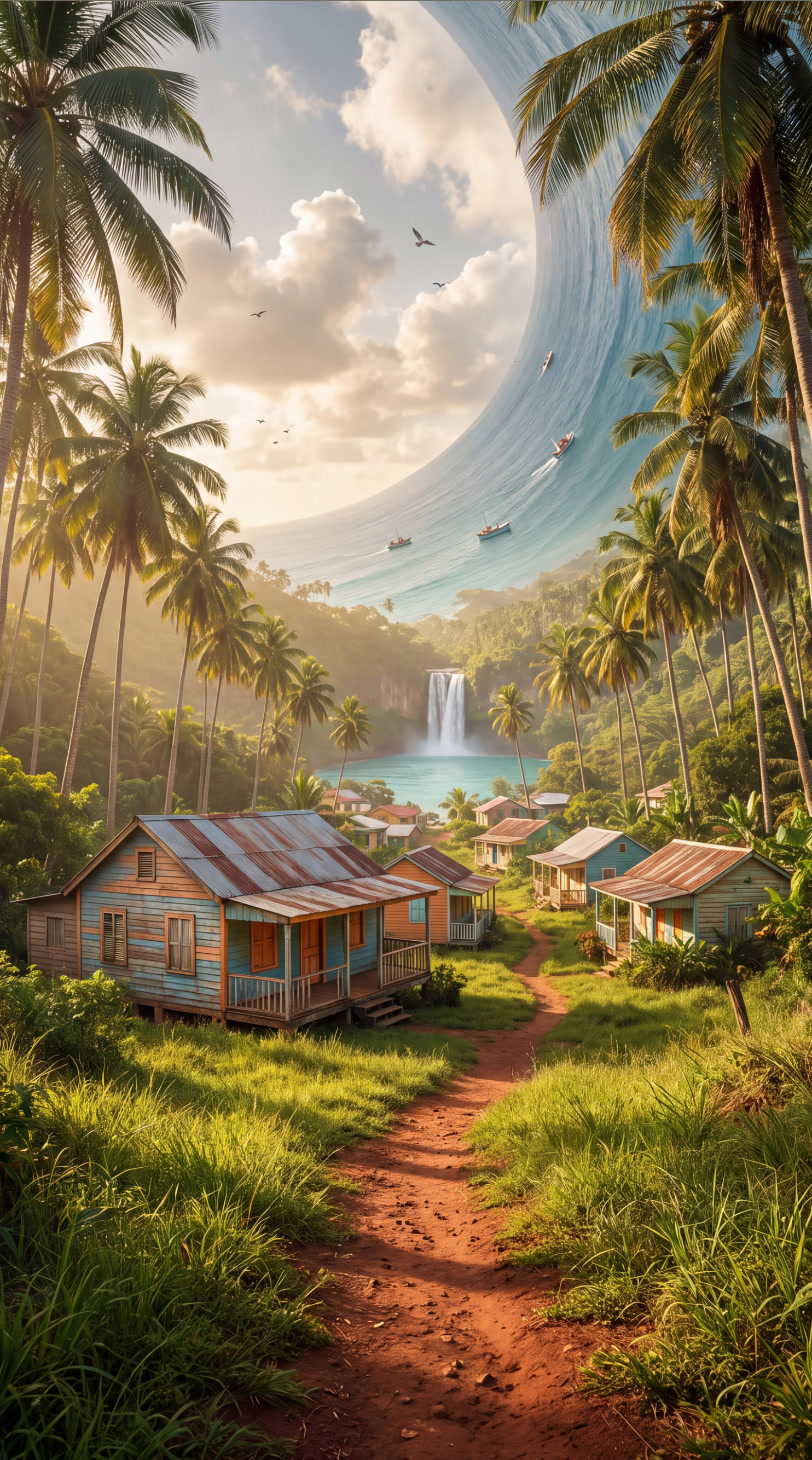
In Higgsfield, open Image → Nano Banana Pro, set it to 9:16 and 4K. The secret to making it look real: keep the ground near the camera at normal human scale and put the fantasy elements in the distance.
Image prompt: Photorealistic photograph taken at human eye level, 1.6 meters high, with a 35mm lens, standing at the top of a gentle grassy slope looking down into [YOUR WORLD] in warm late-afternoon golden light. Real human-scale foreground: [ground details, e.g. short wild grass and a dirt footpath] that starts at the bottom center of the frame and winds toward [a nearby landmark at normal real-world size, about 40 meters away]. Far in the distance: [YOUR FANTASY ELEMENTS, e.g. a waterfall, the ocean curving up into the sky]. Real cumulus clouds, atmospheric haze giving depth, a few birds. Natural scale and perspective, real vegetation, real light falloff, natural depth of field, cinema camera look, natural film grain. Vertical 9:16, open empty foreground with room for a person to walk down the path, no people.
Generate the portal
In Higgsfield, open Video → Edit Video → Seedance 2.5 Edit.
Under "Add a video to edit", upload your 720p clip. Under "Add elements or references", add your world image.
Paste the prompt below and describe your world where it says [DESCRIBE YOUR WORLD]. Then delete @Image1, type @ and pick your image from the list so it turns into a tag. Set 720p and generate.
Paste the prompt
Keep everything exactly as in the original video until the person steps through the doorway: their face, outfit and movements, the room, the door frame, the door, the static camera, and any real light coming through the doorway.

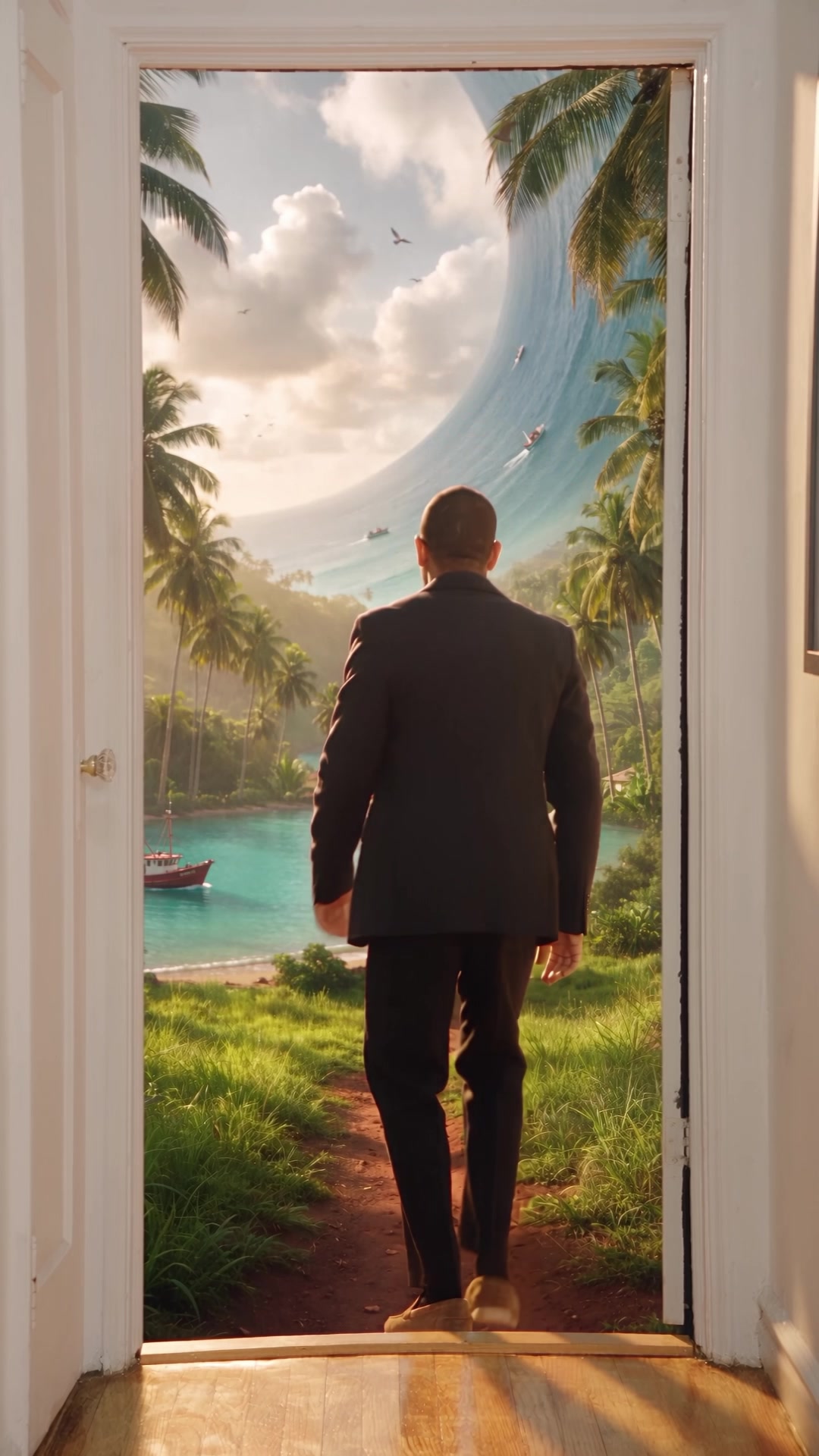
The door swings open. As it opens, the room behind it is replaced by the world from @Image1, seen at eye level: [DESCRIBE YOUR WORLD]. Real-world scale: the person is normal human size next to the path and the buildings.

Warm natural sunlight from the new world spills through the doorway onto the floor and onto them. As they step through the doorway, the camera slowly pushes forward through the door until the door frame leaves the frame and the world fills the entire shot. They keep walking deeper into the world, getting smaller in the frame, lit by the same sun with consistent shadows.

Photorealistic, natural film grain, no artificial glow, no particles, no warping at the door frame.
Bring the world to life
If your world looks frozen, run Seedance 2.5 Edit again on the video you just generated, using the same world image and this prompt:
Keep the person, their movements, the room, the door, the camera movement and the composition exactly as in the original video. Change nothing else. Only bring the world from @Image1 to life with natural, continuous motion from the moment the door opens until the end: [trees and plants sway in a steady breeze, grass ripples in the wind, water flows and splashes, waves shimmer, clouds drift slowly, birds fly across the sky and a few fly close past the camera, leaves drift in the air]. Real-world physics, like real nature footage, nothing frozen. Photorealistic, natural film grain.
Finishing touches
Edit: use your full-quality original until just before the door opens, then cut to the AI version. Nobody will notice the cut.
Sound: keep the real sound of your door, then add natural ambience from your world (birds, wind, water) plus footsteps.
Music: add a trending sound inside the app. Don't bake it into the file.
Tag me @nestorpool when you post yours, I want to see your world 👀
Before → After